Points In Space |
Points In Space
Represents a point cloud in the scene.
The "Points In Space" type is located in the "Base/Scene objects" group. After creation, you can import and generate points. The buttons are located below the properties.
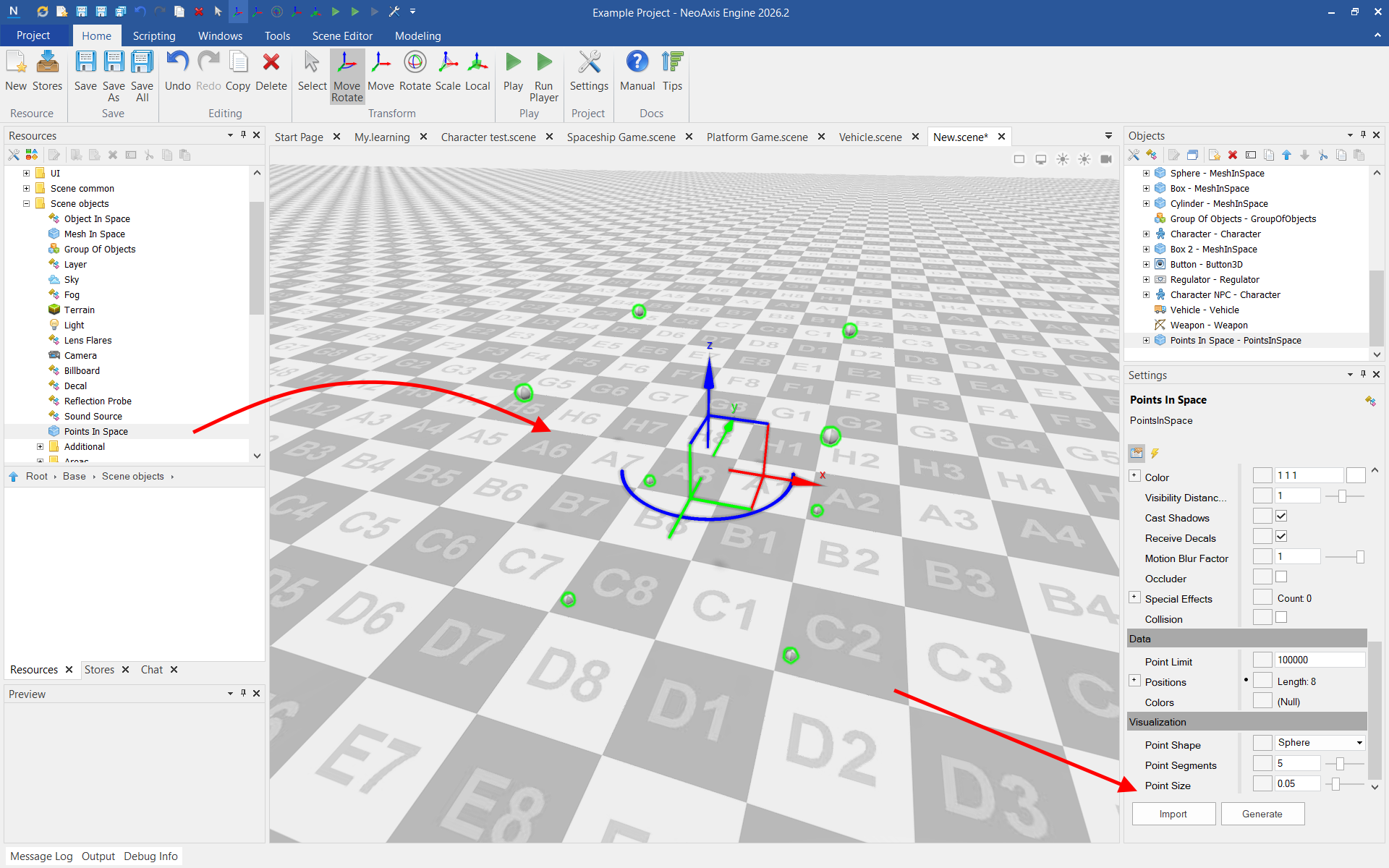
Example of an object with generated points:
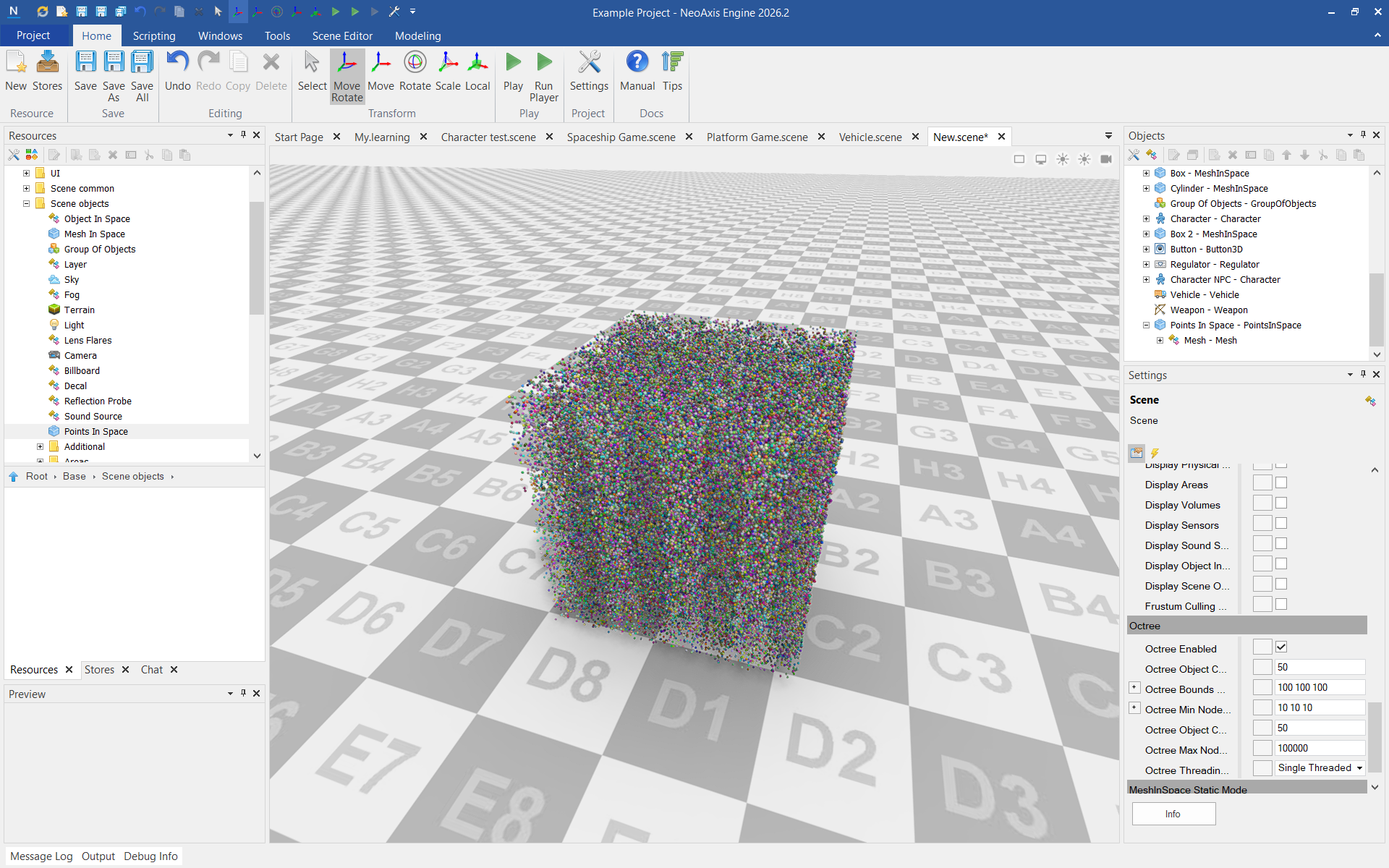
 Import
The following formats are supported: XYZ, TXT, PTS.
Points in these formats are specified line by line. Each line represents one point.
Formats without point colors (X Y Z) and with point colors specified (X Y Z R G B), (X Y Z Intensity R G B) are supported.
Properties| Name | Description |
|---|---|
| Point Limit | The maximum number of points to manage by this component. |
| Positions | Source positions of points in space. |
| Colors | Source colors of points in space. |
| Point Shape | The geometry shape used to visualize each point in the cloud. |
| Point Segments | The number of segments used to create the geometry of each point when using a sphere shape. |
| Point Size | The size of each point in the cloud, in world units. This value determines how large each point appears when rendered. |
See also