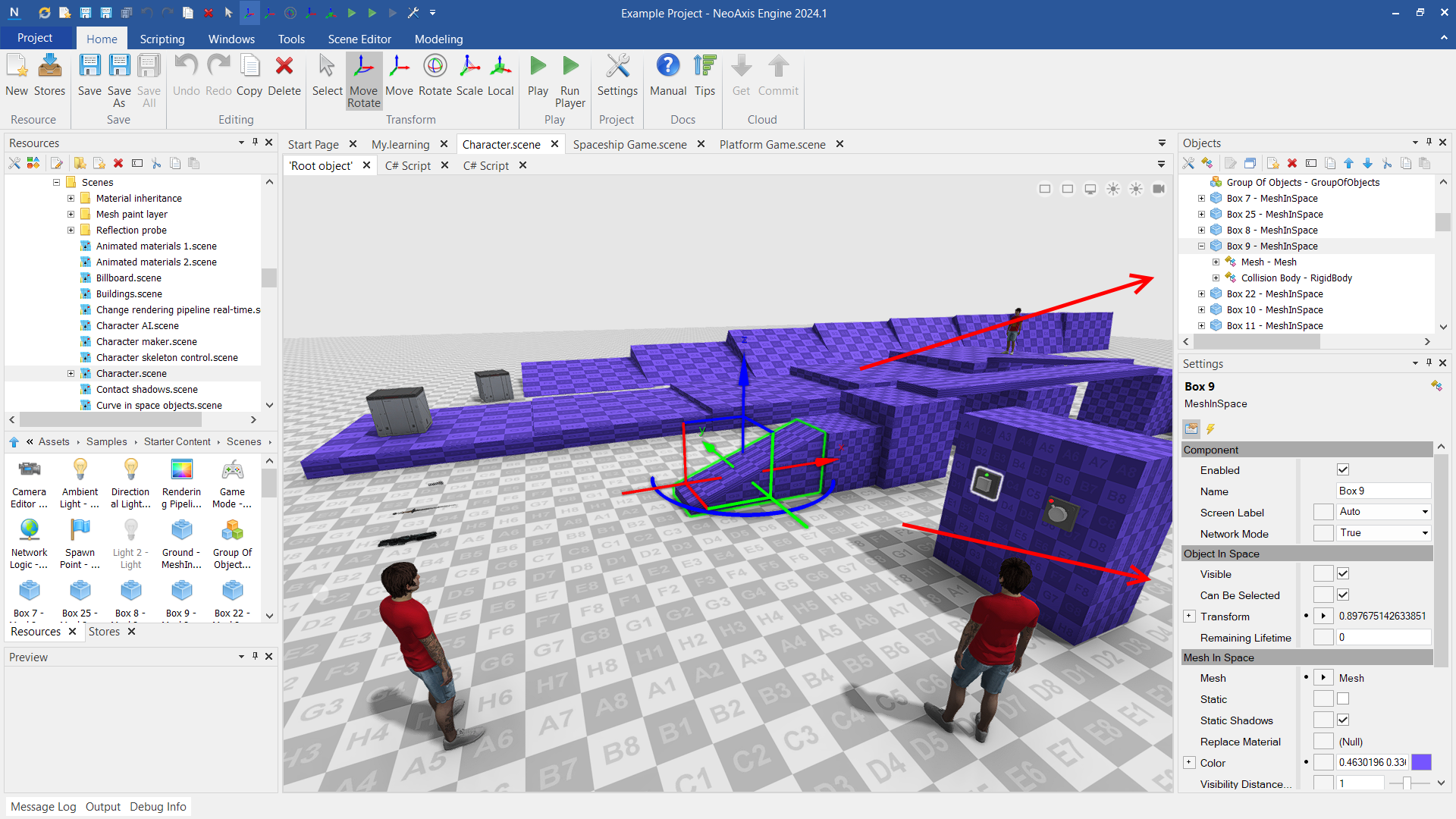




Just discovered NeoAxis and ready to give it a go? You're in the right place! This post will help you get started with the game engine.
First look at the editor
After installation, creating a new project, and closing the Tips window, you will see the Start page.
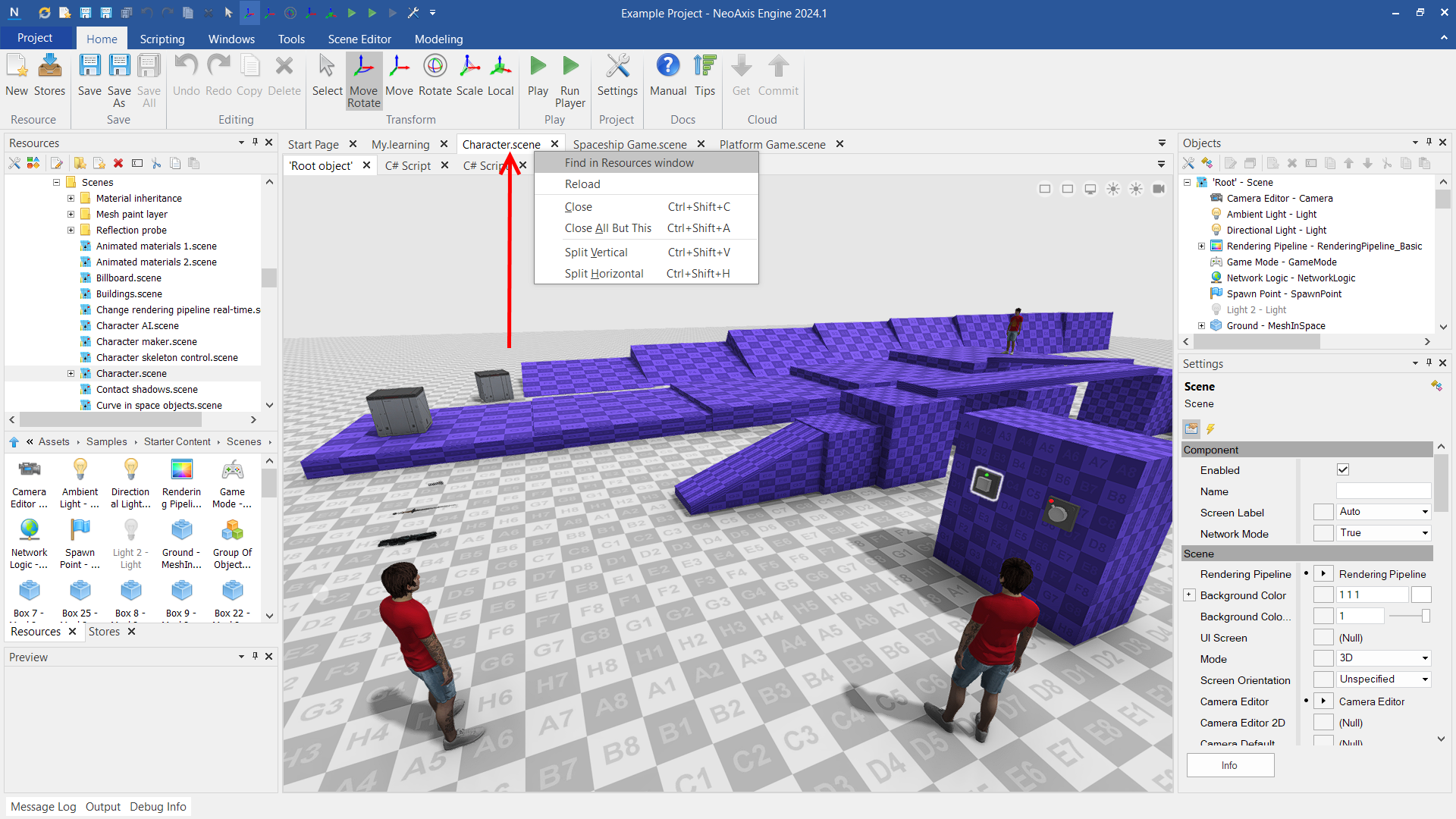
- At the top of the editor are the Ribbon and Quick access toolbar.
- On the left side is the Resources window. This window is intended to manage the types and resources of the project.
- On the right side are the Objects window and Settings window.
Note: The created project includes binary and source codes of the engine. You can copy the project folder to another machine or give it to your colleague, it works without any additional installations.
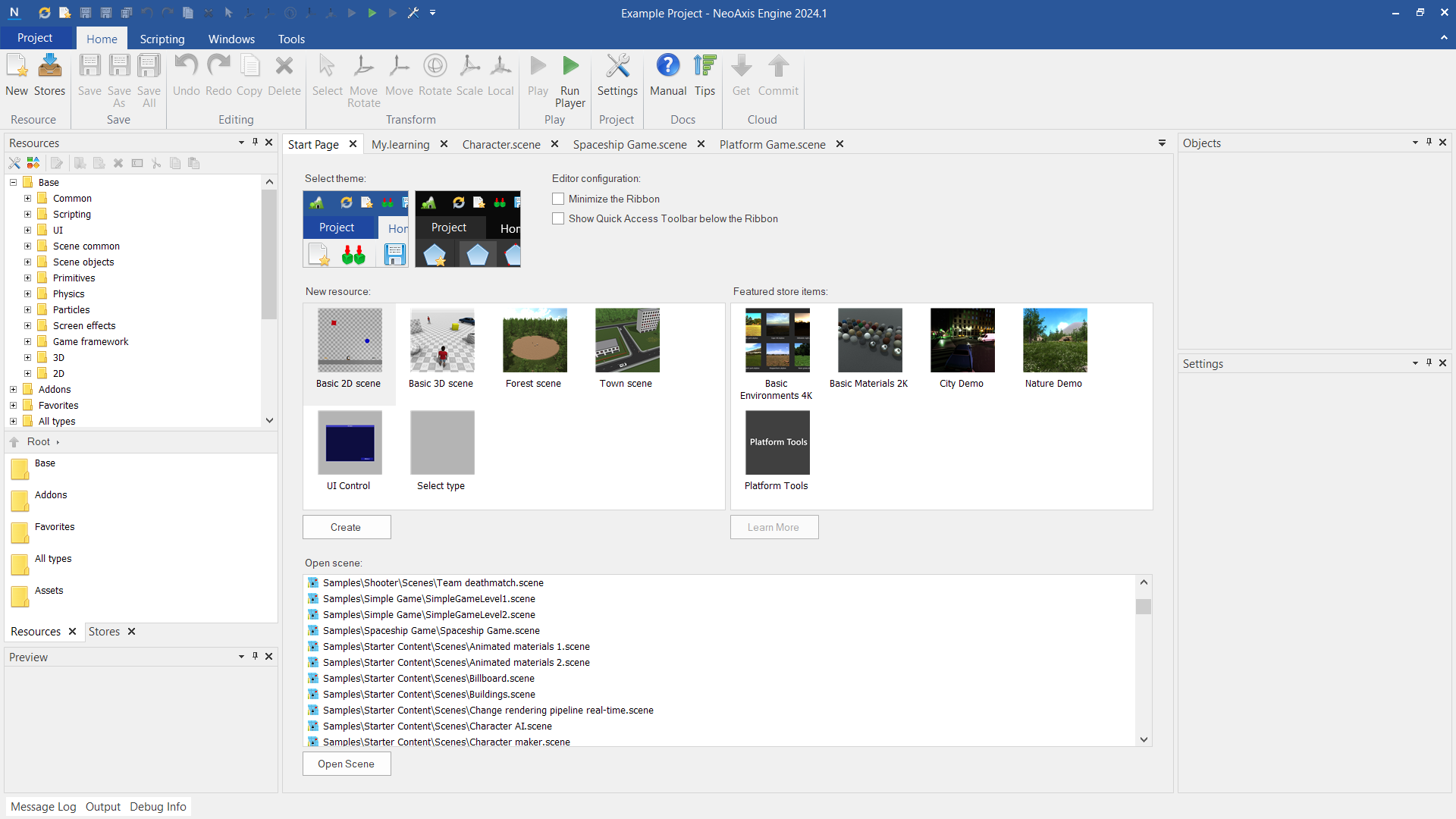
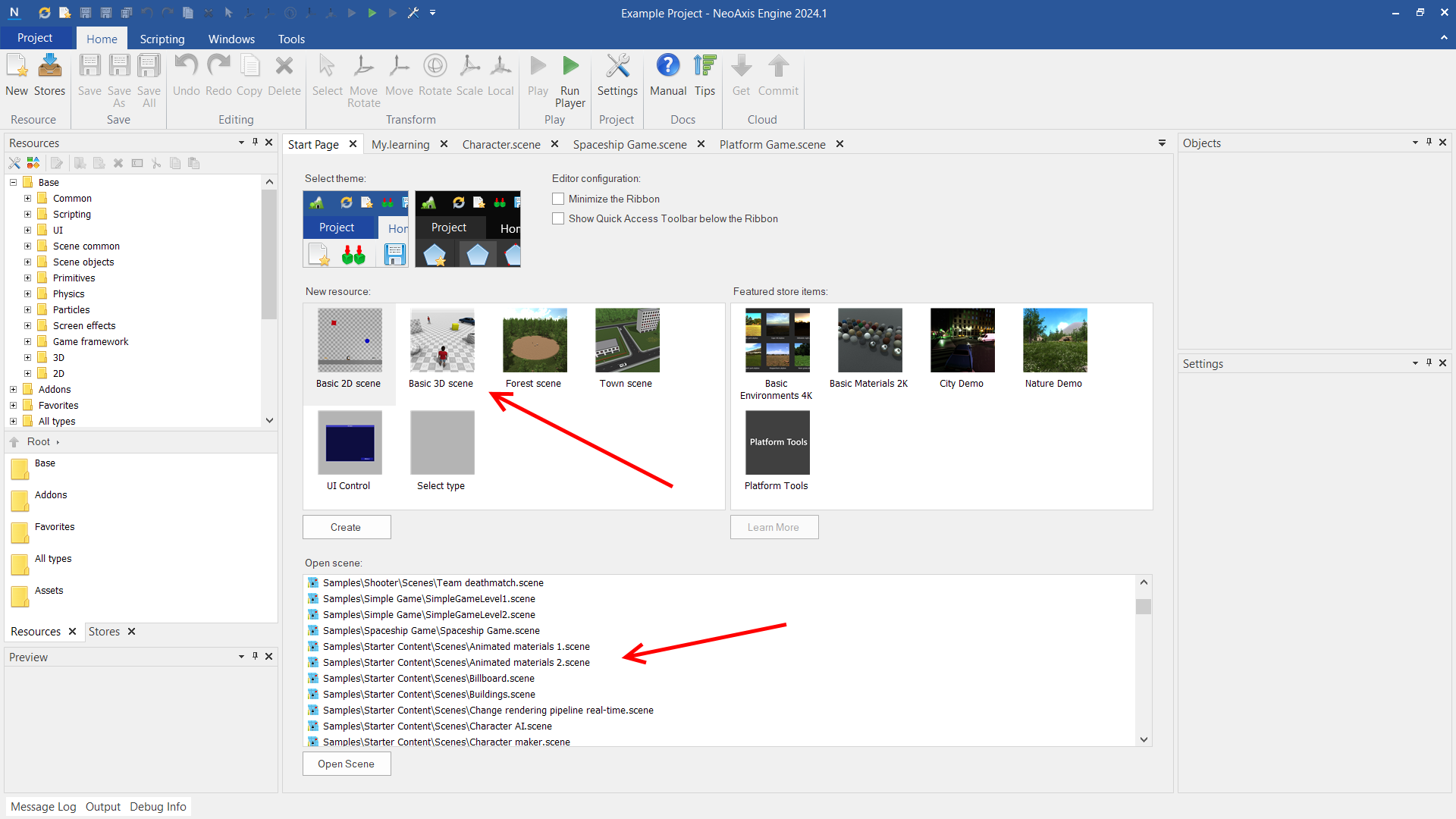
Use the start page to create a new scene or open one of the example scenes.
Resources window
The Resources window is intended to manage project resources; you can scroll down the tree to find the Assets folder. To open resources, use double click or the Return key.
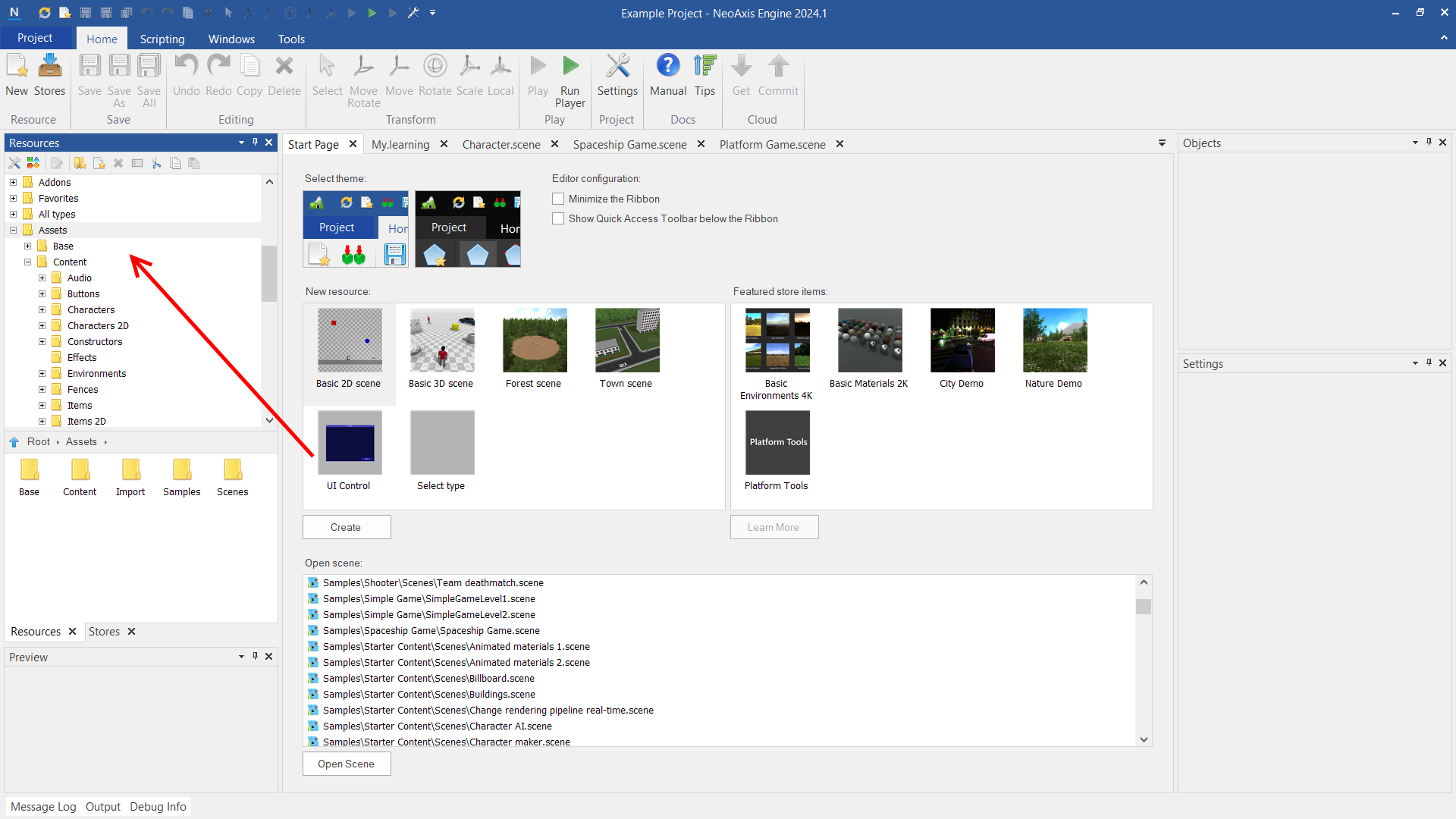
To locate the resource's placement, utilize the Find in Resources window option from the context menu.
Objects and Settings windows
On the right side, the Objects window and Settings window are intended to manage the components of the opened resource.