NeoX Cloud Platform |
NeoX Cloud Platform
 ContentsOverview
Here is the manual for the NeoX cloud platform. You can also check the overview and the catalog on the website.
NeoX is a cloud platform to build, run, and publish online games and multimedia apps. It combines a desktop app for creators with a managed server infrastructure.
More articles:
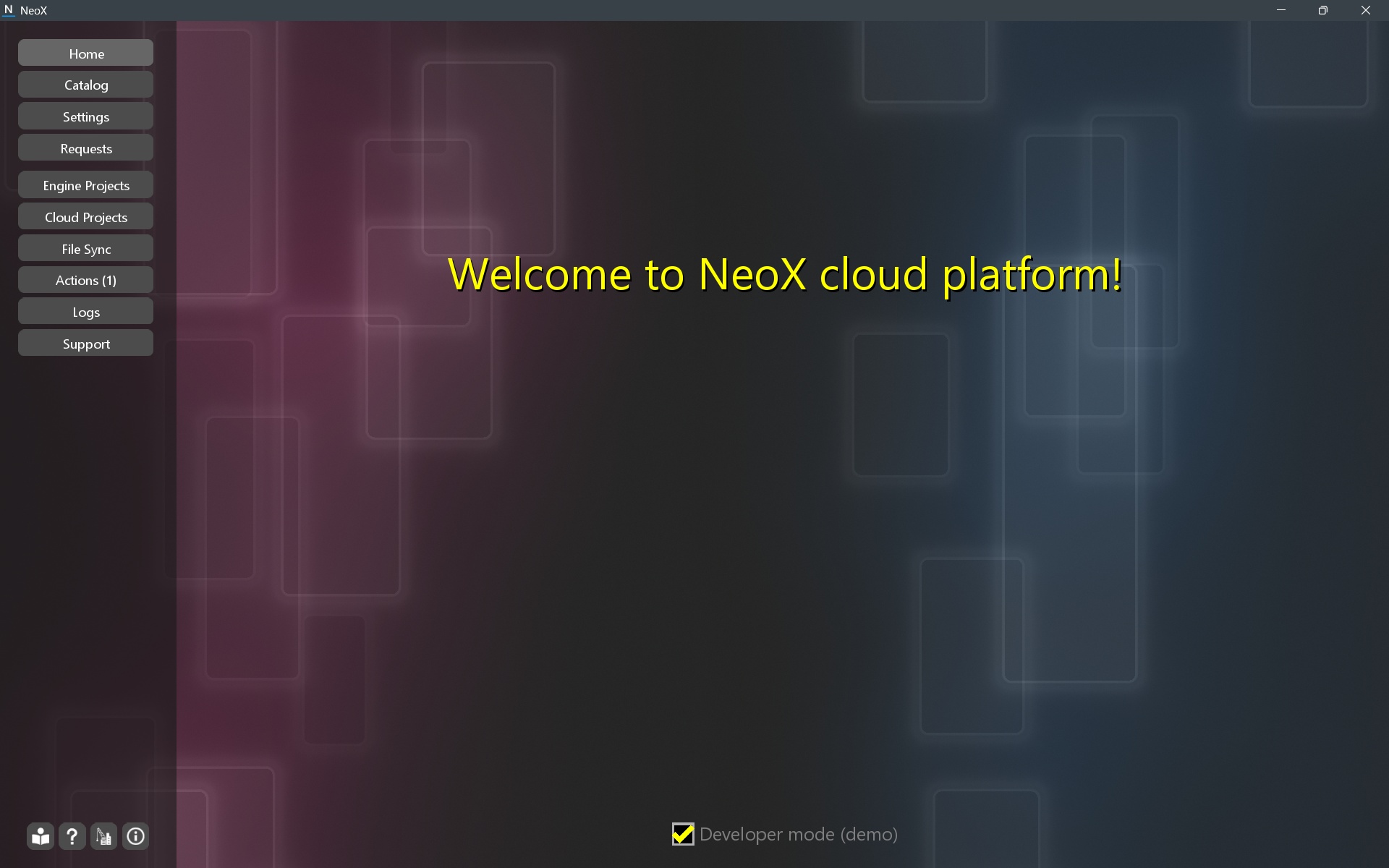
Welcome screenWhen you open the app, you’ll see a welcome screen. Developer mode is disabled by default; you can enable it here or on the Settings page.
 Catalog
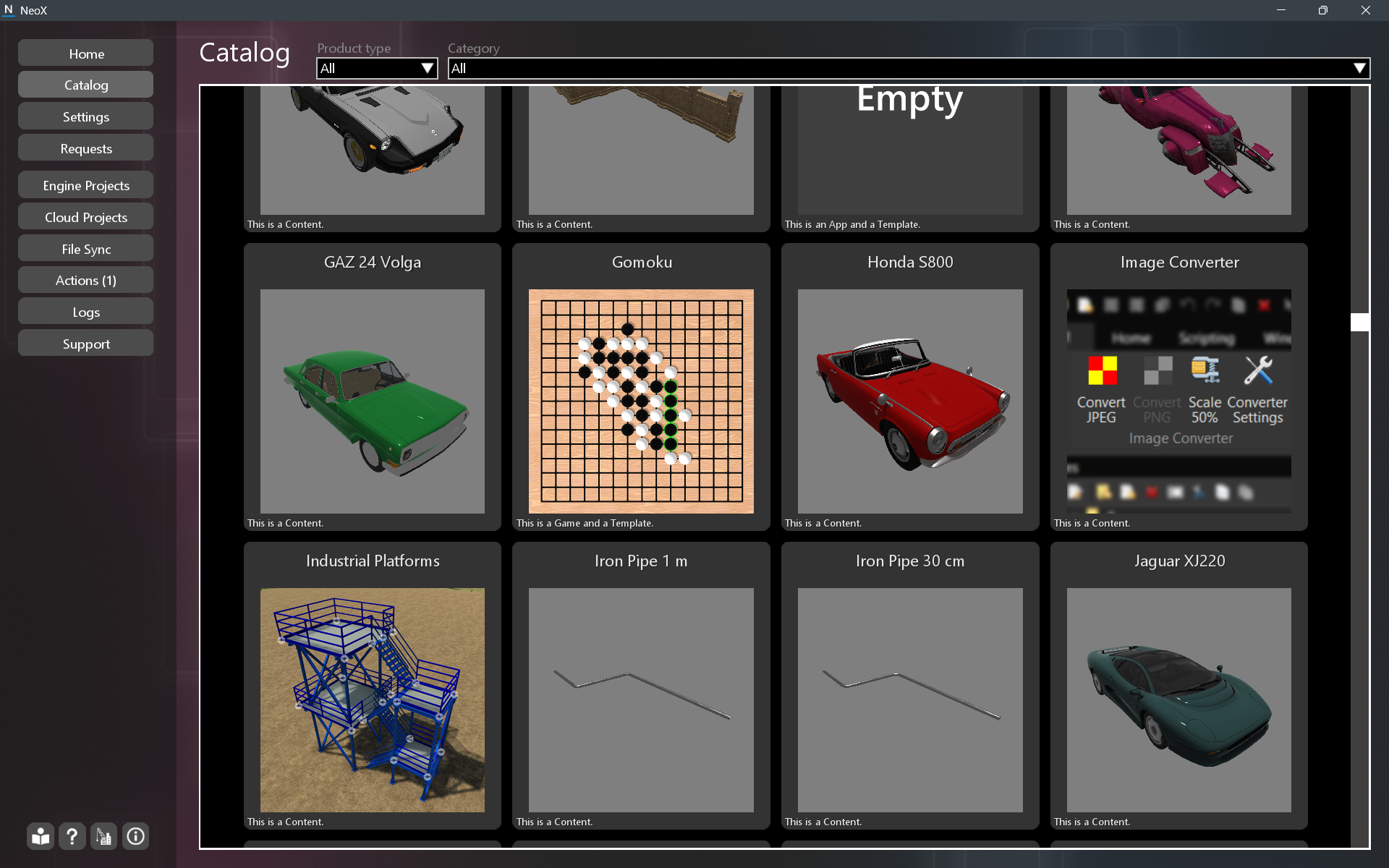
The catalog contains projects that are in the production stage.
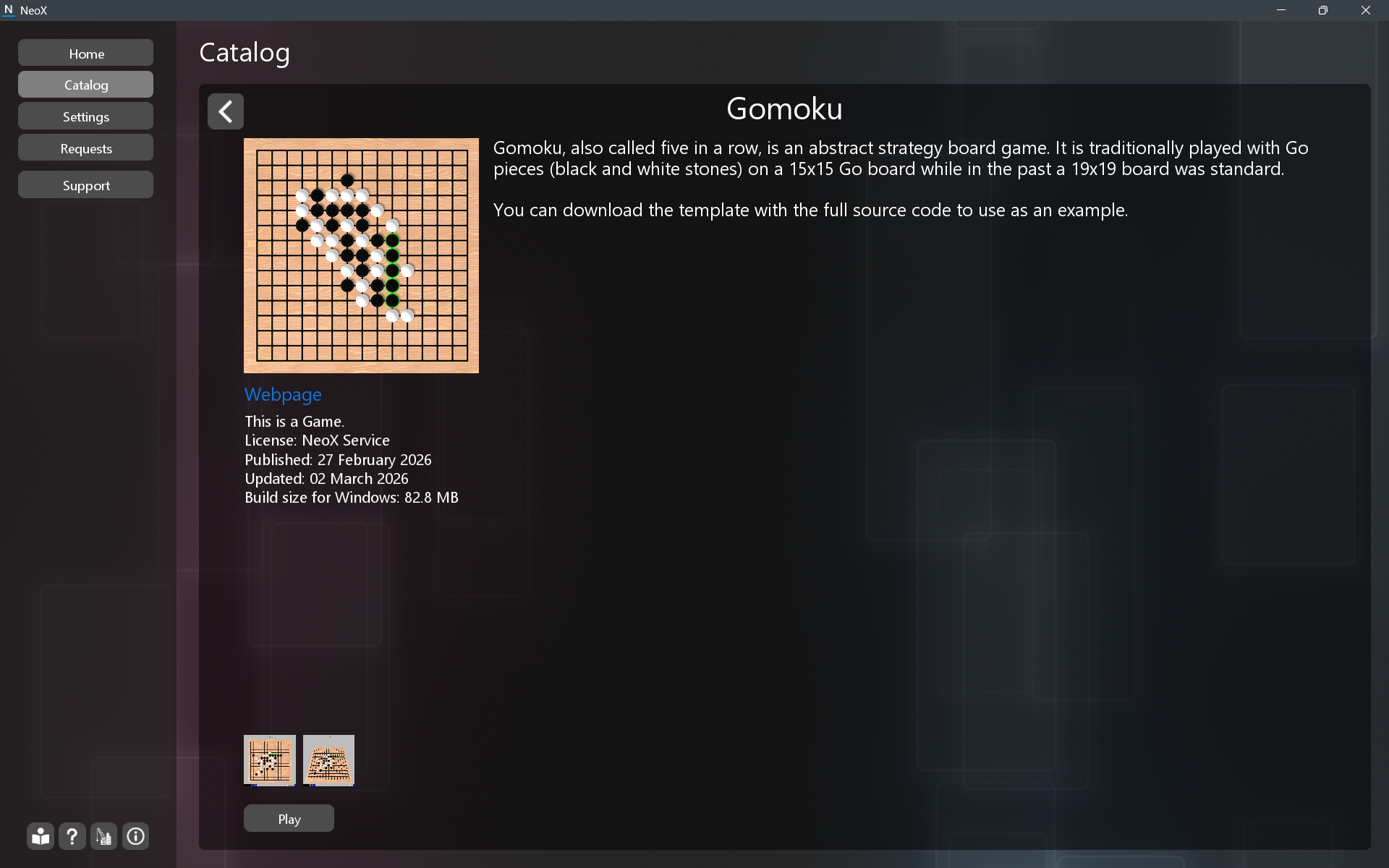
You can run games and apps from the product page. In developer mode, you can download templates without creating a new cloud project.
 Settings
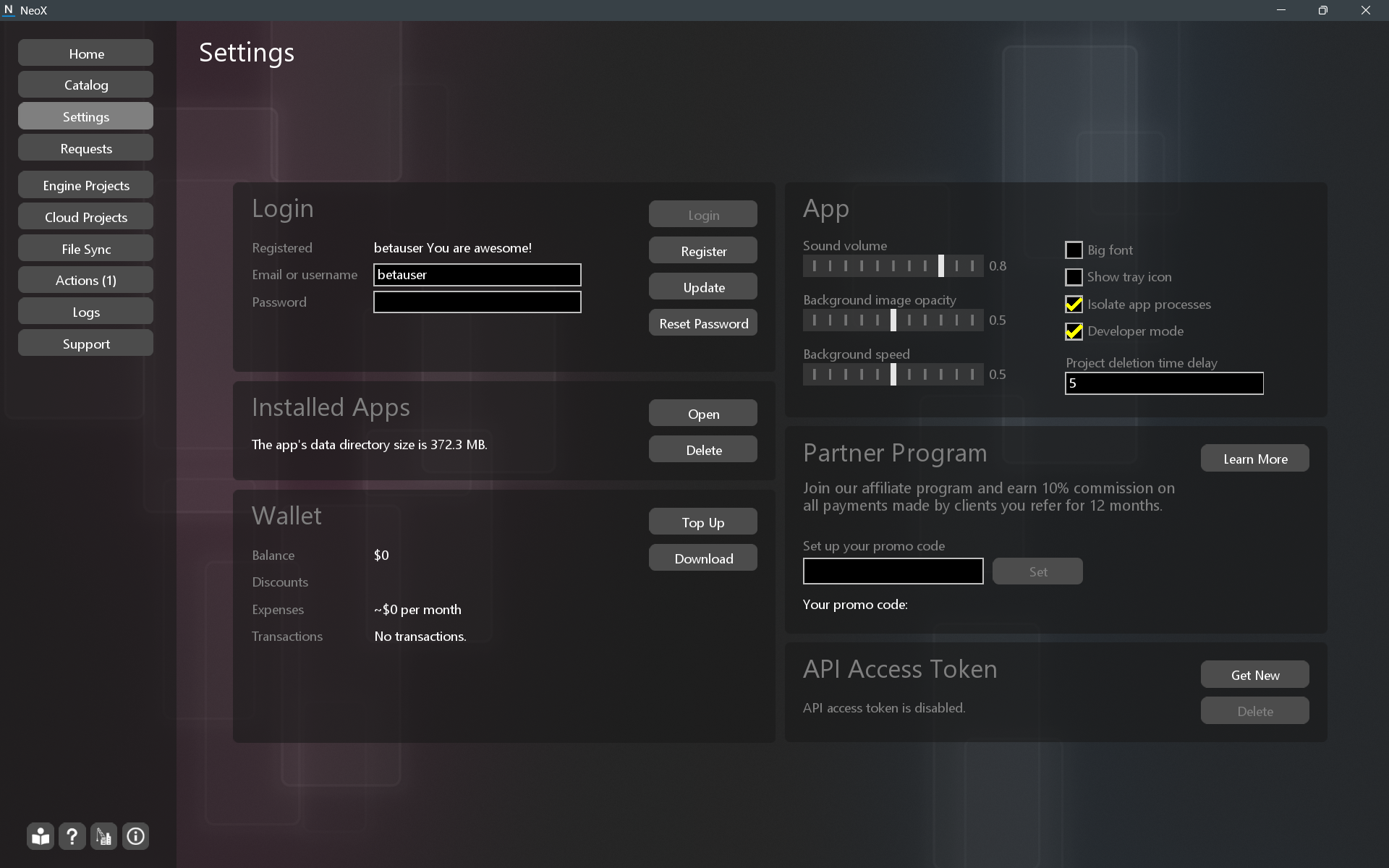
In Settings, you can register a new account, update your account, manage your wallet, change app settings, and configure affiliate program settings.
 Requests
On the Request page, you can respond to incoming system requests, such as payment confirmations.
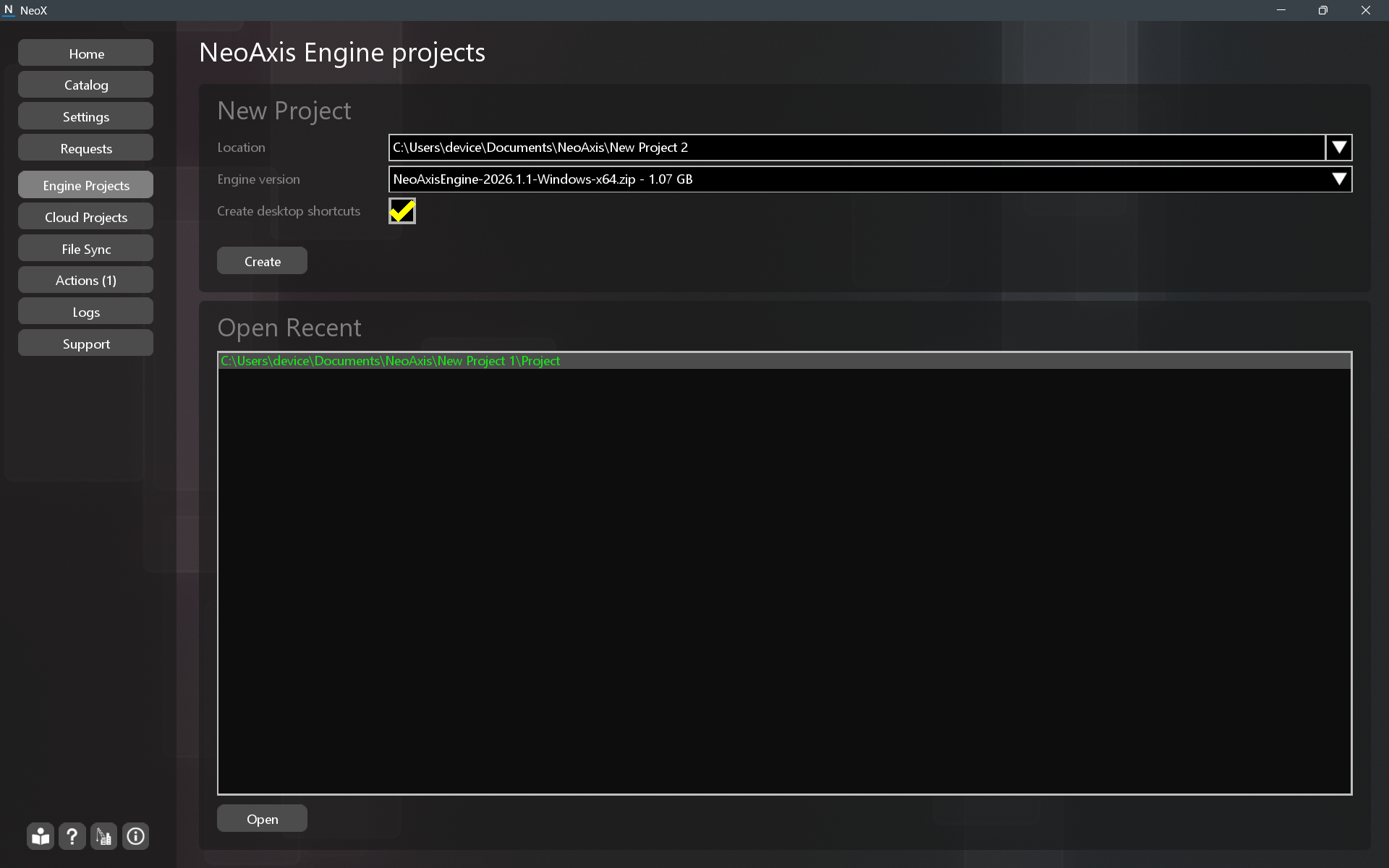
Engine ProjectsOn the Engine Projects page, you can create a new offline NeoAxis Engine project on your computer.
Getting Started with NeoAxis Engine.
 Cloud Projects
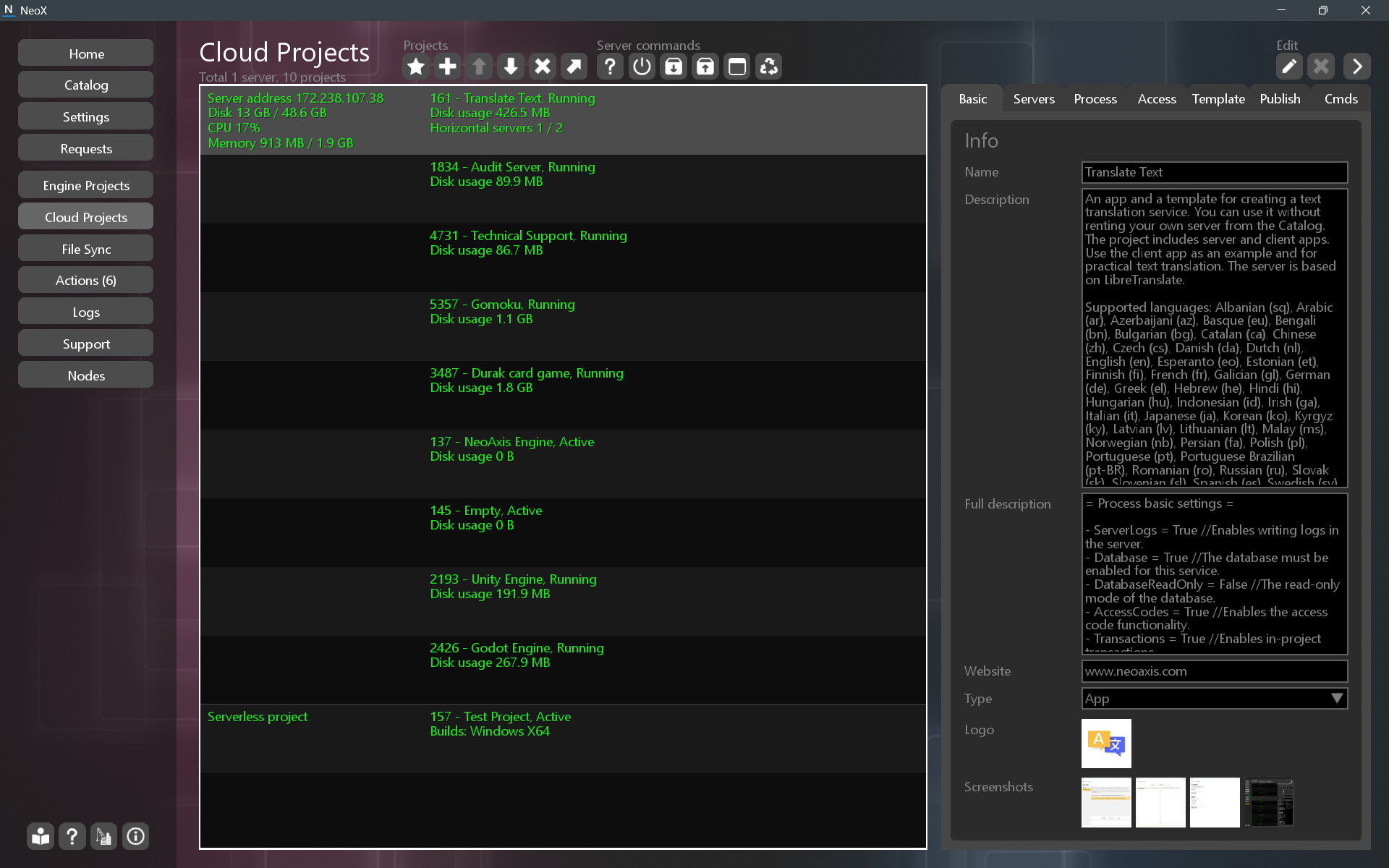
Use the Cloud Projects page to create and manage your NeoX projects.
Creating a New Project in NeoX.
 File Sync
 Actions
This page shows the progress of actions in the system. Here you can see the progress of file downloads and builds.
LogsOn this page, you can view logs from the NeoX app and from your servers.
SupportThis page provides direct technical support.